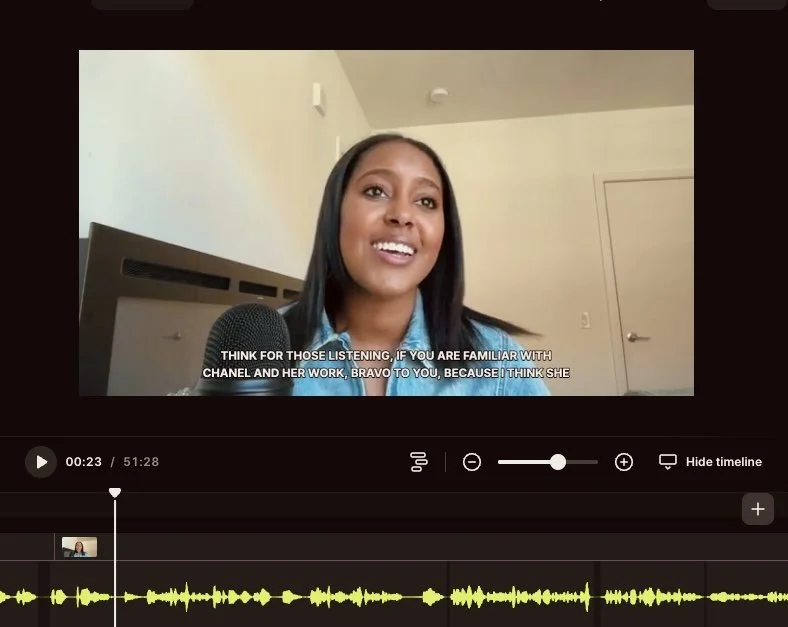
Screenshot of Naomi Haile speaking on a recorded video call, with captions and an audio waveform visible.
Over the years, I’ve tested tools that made me want to throw my laptop across the room (looking at you, overly-complicated CRM systems lol).
These are the tools I genuinely use in my business today. When it makes sense, I also support clients in implementing them, depending on their business model, stage, and specific needs.
Some of the links below are affiliate links, which means I may earn a small commission if you choose to purchase through them (at no additional cost to you).
I only recommend tools I’ve personally used, tested, and genuinely love.
PROJECT MANAGEMENT & CLIENT EXPERIENCE
Airtable→ Think of it as Excel on steroids. In short, it’s a database. I use it across my business and podcast to track client progress, organize existing client details + leads, as well as to maintain my network list (sorted by city, profession, who introduced us, contact info, and how we can support each other). It keeps everything in one place and easy to update.
ClickUp→Where all my business tasks, deadlines, and projects live. Great for managing launches, content plans, and contractor workflows.
Dubsado → Handles my onboarding, contracts, and invoices. I’ve received tons of compliments from clients that the platform is seamless and they love the user experience.
MARKETING & EMAIL
Kit→ They’ve recently raised their prices (Jan 2026), but their system is simple and intuitive to use. You can set up automations funnels for your readers, email courses, and essentially anything else email-related you would need.
Canva → Canva really is that girl. Okay, I’ve considered using Adobe, but until I make the time to learn that software, this is my go-to for creating branded visuals quickly. Slides, social posts, workshop materials.
CapCut → Quick and easy short-form video editor, perfect for reels and social clips with built-in captions.
WEBSITE
Squarespace→ Beautiful, easy-to-use drag-and-drop website builder. I switched from WordPress in 2018 because I wanted a tool that I could update in-real time without the complicated back-end. From an SEO perspective, Wordpress is the best, so I often think about returning, but haven’t yet.
CALL SCHEDULING
Cal.com→ I’ve tried 3 different scheduling tools, and I find cal.com to be the simplest and most tech-friendly one. I can set up multiple meeting types, availability options, and it handles everything including sending automated reminders to my guests.
AI & AUTOMATION
Mindstudio→ This is my favorite tool for creating ai agents. Their team is incredible (hey Danielle!) and offers plenty of video breakdowns and how-to’s so you can build your own ai agents.
PODCASTING
Riverside→ All-in-one tool. I will say that this team really cares about creating a platform for podcasters. I record, edit, and also create my podcast clips using Riverside. Back when I started my podcast in 2017, I used Zoom to record + iMovie to edit. Ouf! We’ve come a long way.